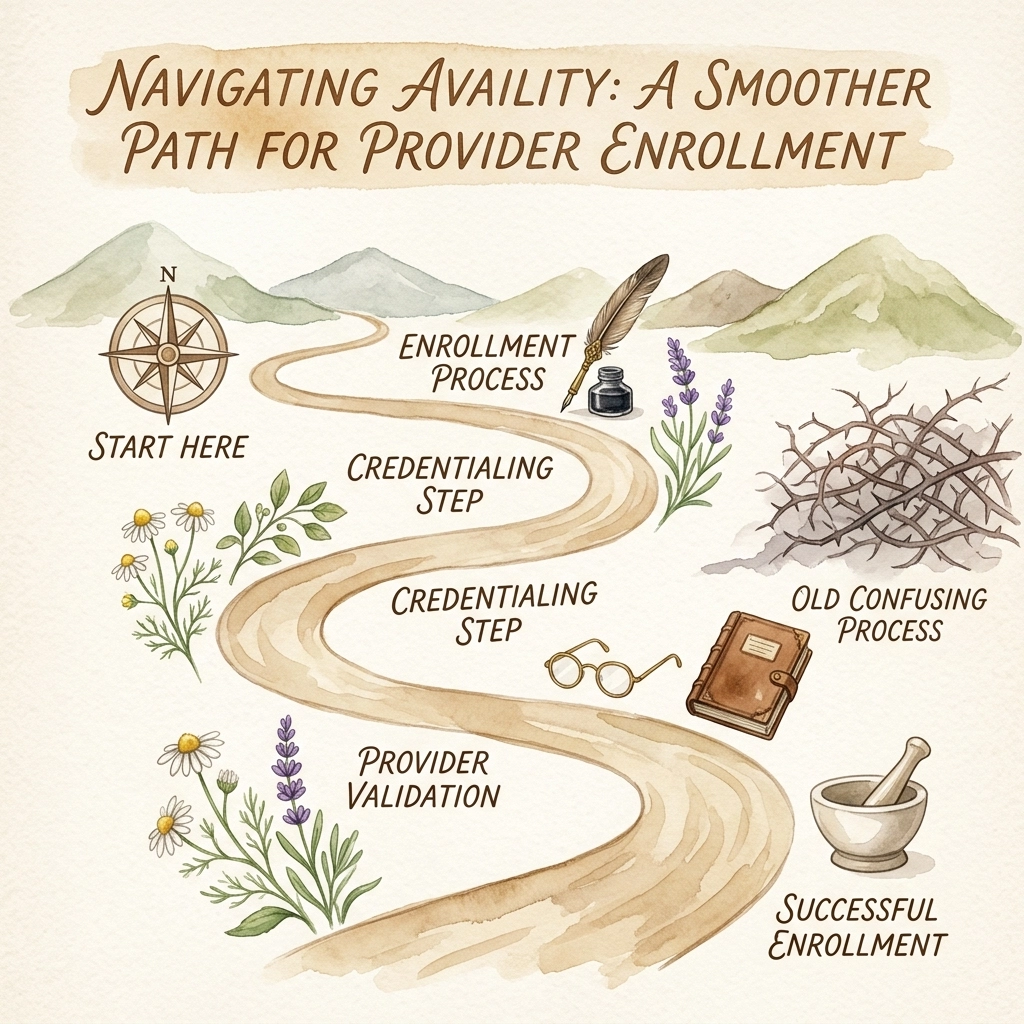
Navigating Availity: A Smoother Path for Provider Enrollment

Running a clinic means juggling a million digital balls, and availity often sits right at the center of that chaos. Whether you are tackling medicaid provider enrollment or simply trying to get a new physician set up to see patients, the portal you choose determines your speed to revenue. In the high-stakes world of healthcare administration, The Veracity Group knows that a clunky setup process is the enemy of growth. Mastering this platform isn't just about clicking buttons; it's about building a foundation where your data flows as smoothly as your patient care. The Digital Backbone of Modern Practice For many administrators, availity is the silent driver of the revenue cycle. It is the primary gateway for real-time information exchange between providers and health plans. When you skip the nuances of proper setup, you aren't just delaying an application; you are inviting claim denials and administrative headaches that will haunt your billing department for months. At Veracity, we see the impact of these delays every day. A clinic that manages its portal access effectively is a clinic that gets paid on time. The platform serves as a centralized hub. Instead of logging into twenty different payer portals, your team uses a single point of entry. This efficiency is vital when you are handling high-volume provider enrollment tasks. The goal is to reduce the "noise" of manual data entry and replace it with a streamlined, automated workflow that keeps your providers focused on patients. ![A vintage watercolor illustration of a stethoscope resting on a sleek digital tablet, soft pastel washes of blue and green highlight the intersection of traditional medicine and modern technology.]() Laying the Groundwork for Success Before you even navigate to the registration page, you must have your house in order. Preparation is the difference between a ten-minute task and a three-week ordeal. To successfully register on availity, you must gather your essential practice data points. This includes your physical and billing addresses, your Federal Tax ID (EIN), and your National Provider Identifier (NPI). If you are working through mastering multi-state Medicaid provider enrollment, the complexity increases. You will need your primary specialty and taxonomy codes ready for every location. Using an incorrect taxonomy code: for instance, choosing a general code when a specific behavioral health code like 251S00000X is required: will trigger immediate system rejections. Precision is mandatory. Looking for professional provider credentialing services in the USA? 👉 Check our main service page here: veracityeg.com The Step-by-Step Registration Journey The registration process for availity is structured but unforgiving. You must follow the wizard exactly as designed to avoid locking yourself out of essential payer functions. The Initial Entry: Start at the official Availity portal. Click the "Register" button. This is your first step toward administrative freedom. Define Your Role: Select the "Providers" tile. The system will ask if you are a new user. You must be clear here: if your organization already has an account and you are simply adding a user, do not create a duplicate organization account. This causes massive data conflicts. Identity Verification: You will enter your full legal name and create a User ID. Choose something memorable but secure. Once you submit your email, you must verify it immediately to continue the process. Organization Details: This is where most errors occur. You must enter your Tax ID and NPI exactly as they appear on your NPI Registry profile. Any discrepancy between what the government has on file and what you enter here will halt your progress. Security Protocols: You must complete three security questions. Do not treat these lightly. In a large clinic setting, ensure these answers are documented in a secure password manager so that your administrative team isn't locked out when a staff member moves on. ![A vintage watercolor painting of an antique wooden desk featuring a modern laptop and a quill pen, symbolizing the transition of medical records into the digital age.]() Why Taxonomy Codes Are Your Passport to Success We often talk about the "passport to success" in healthcare administration, and in the world of availity, that passport is your taxonomy code. These codes tell the insurance payers exactly what kind of services your clinic provides. If you are a specialized facility, your provider enrollment services depend on these codes to route your claims to the correct processing department. When you enter your primary taxonomy code during registration, you are setting the "scope" of your portal access. If the code is too broad, you might not see the specific authorization tools you need. If it is too narrow, your claims might be rejected as "out of scope." The Veracity Group recommends double-checking your taxonomy against your state's Medicaid requirements, especially during New Mexico medicaid provider enrollment or similar state-specific processes. The High Cost of Administrative Delays The "silent driver" of practice failure is often found in the back office. When availity isn't configured correctly, the consequences are immediate and severe. Claims go unpaid, patient eligibility remains a mystery, and your cash flow grinds to a halt. This isn't just a minor inconvenience; it is a serious risk to the viability of your clinic. Imagine a scenario where a new surgeon joins your practice. You begin the enrollment process but fail to link them correctly within your portal. Two months later, you realize that every surgery they have performed has been denied because the payer doesn't recognize them as part of your group. That is tens of thousands of dollars in "dark revenue" that is now at risk of being lost to timely filing limits. This is why contracting and enrollment must be handled with surgical precision. ![A vintage watercolor of a bustling medical center exterior with soft, feathered edges and a professional, calming color palette.]() Post-Registration: Managing the Portal Once you receive your confirmation emails and temporary password from availity, the work is only half finished. You must log into Availity Essentials and begin the process of adding your team members. You should assign an "Administrator" role to at